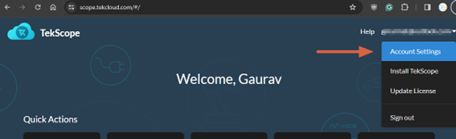
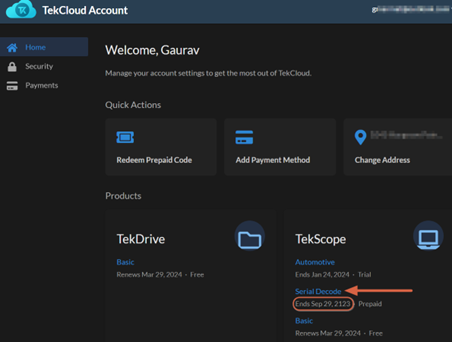
Click on your perpetual license. You can identify perpetual licenses as the ones with an expiration date of 100 years. For example, the ‘Serial Decode’ license below.
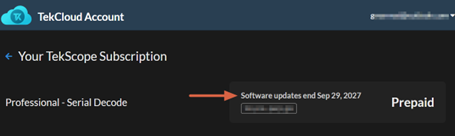
The next screen after clicking the perpetual license shows for how long you can get new TekScope PC version updates. This is also your maintenance expiration date. A user can upgrade to new TekScope PC versions released prior to this date.